
Government Publications, Maps, Microforms & Newspapers
Open Today | 9am-4:50pm
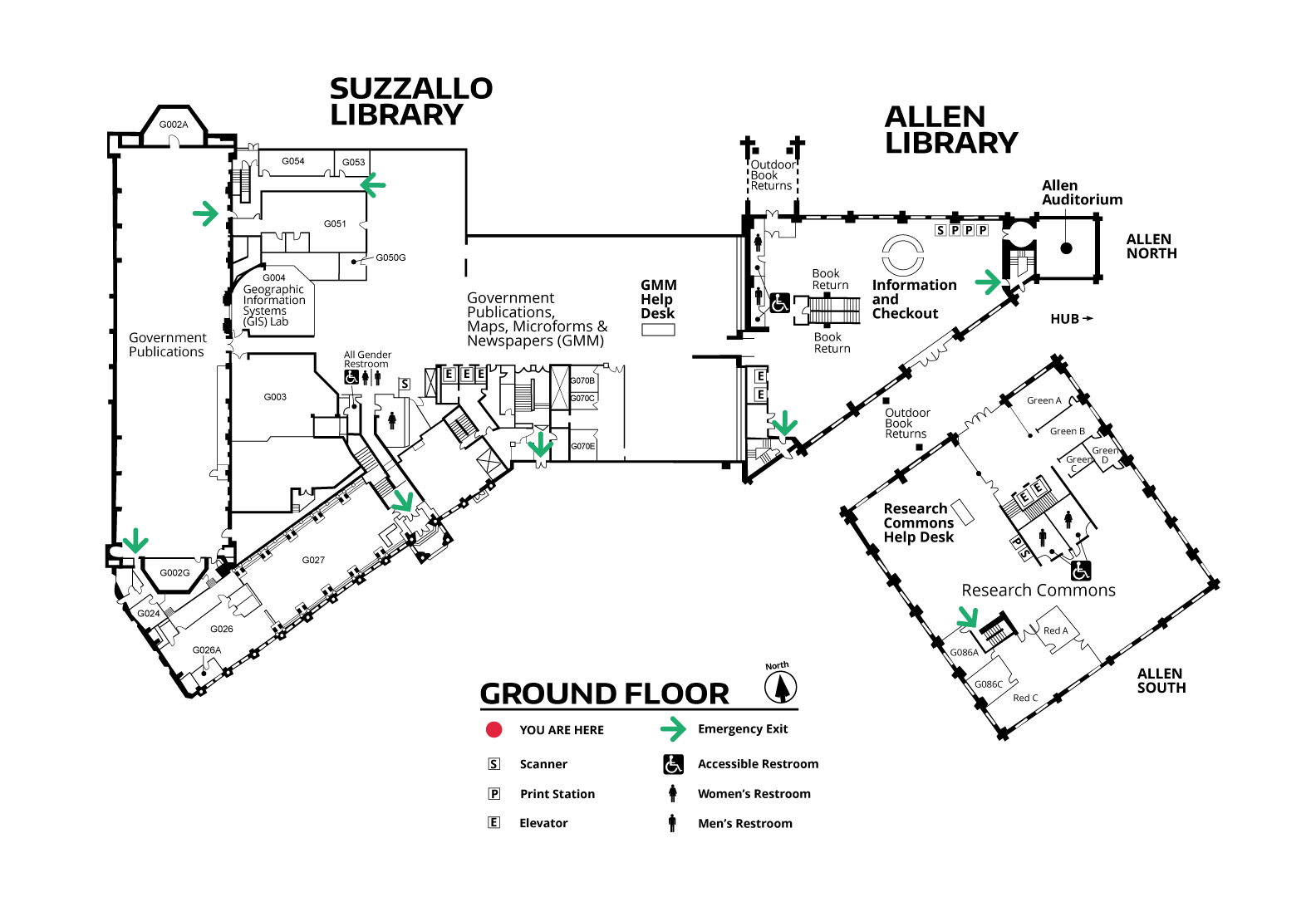
Location Information
Entrance:
Closest entrance is the Suzzallo ground floor entrance with paddle entry.
Accessible Bathroom:
Women’s and gender neutral accessible bathrooms located in the Government Publications area.
Barriers:
Narrow compact shelving which requires hand cranking. Items in magafiles may be difficult for limited mobility users to find. Limited signage.
Assistive Technology:
Available on Student Computers (require UW NetID) and Guest Research Workstations.
Open today: 9am-4:50pm
About Government Publications, Maps, Microforms & Newspapers
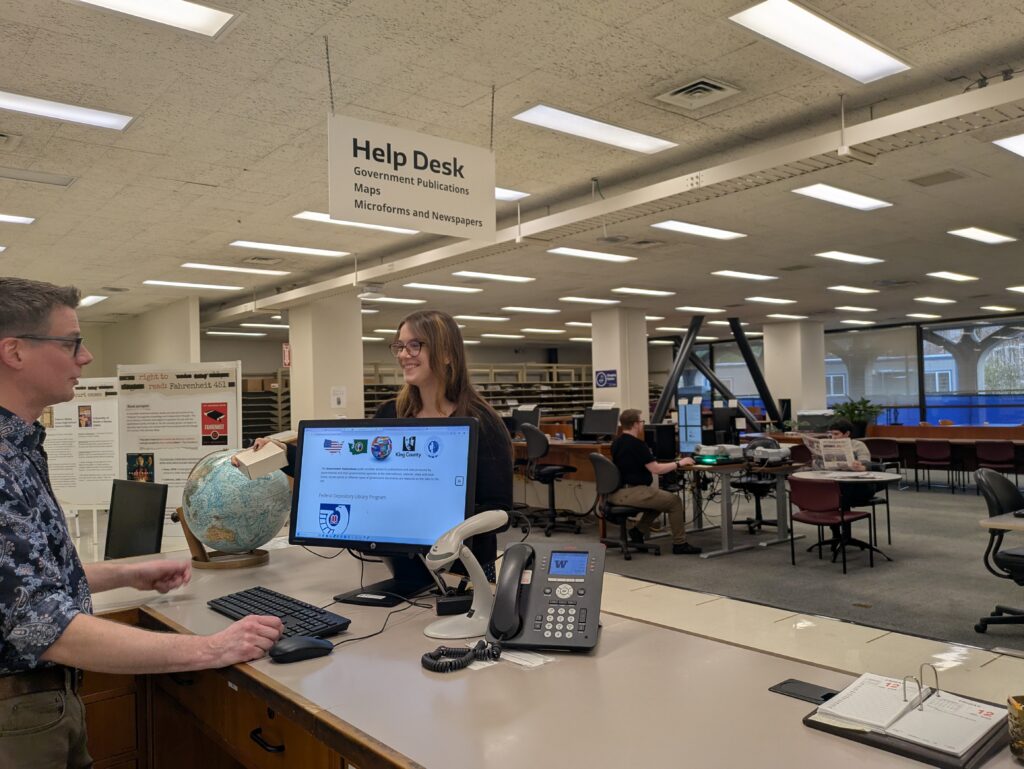
Government Publications, Maps, Microforms & Newspapers (GMMN) offers three major format collections that serve UW faculty, students, staff, and researchers from the local community and around the world.
GMMN is open to the general public.
Collections
Government Publications
The UW Libraries is a depository for publications from the United States federal government, Canada, the United Nations, the European Union and the State of Washington. We collect documents from international intergovernmental organizations and selectively collect documents from Seattle and King County.
Geospatial Data, Maps & Aerial Photography
The UW Libraries Map collection includes geospatial data for use with GIS software, approximately 270,000 map sheets, and over 86,000 aerial photographs.
Newspapers & Microforms
The Microforms & Newspapers collection has extensive holdings of local, national, and international newspapers in print, on microfilm and online. Many primary sources are available on microfilm including books, government publications, popular magazines, scholarly journals, organizations’ records, and more.
Spaces
GIS Lab
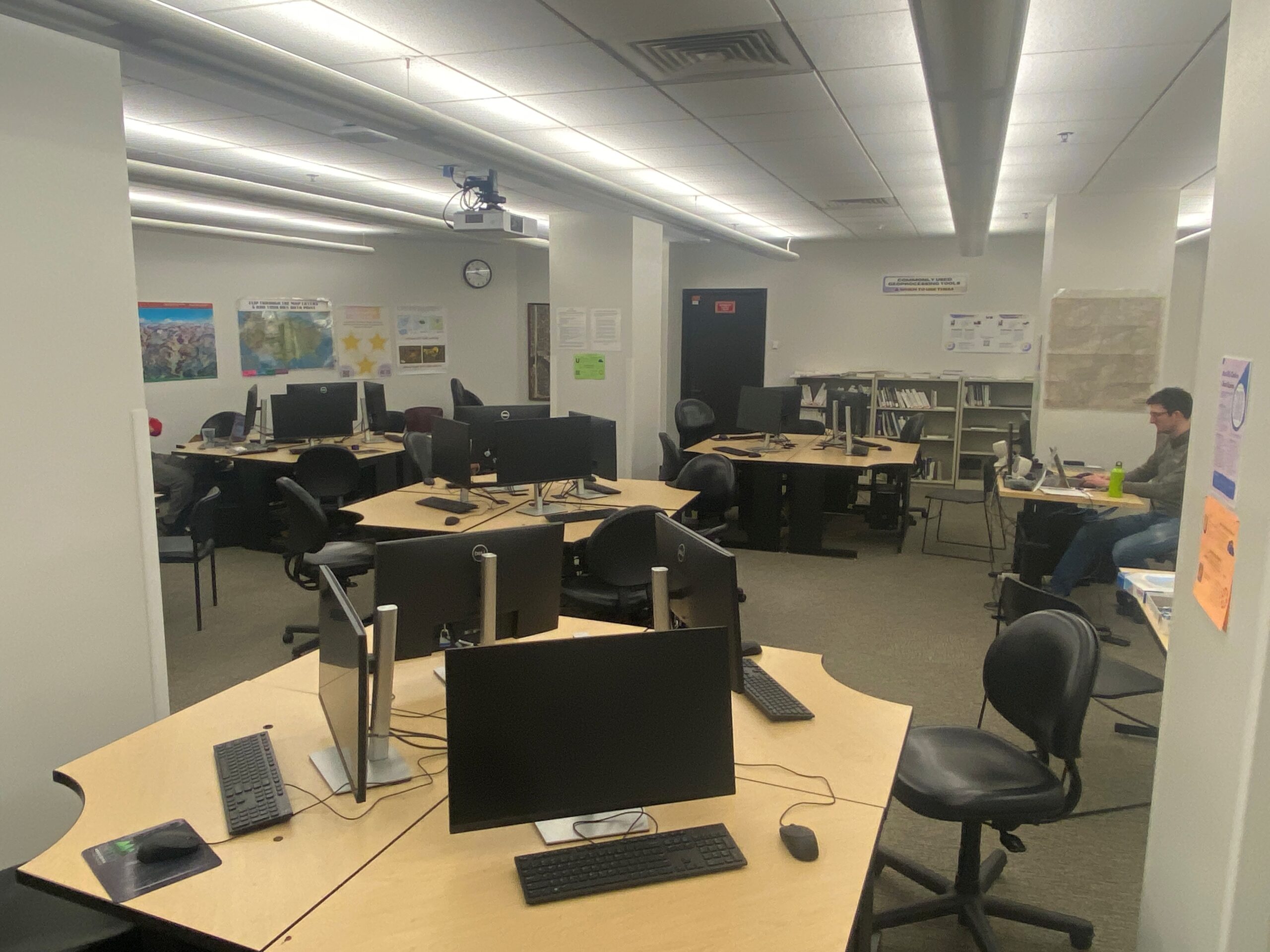
The GIS Lab has ArcGIS and other software to help individuals or groups of UW students, faculty, and staff conducting GIS coursework and research.
- Location: Ground floor, Suzzallo Library
- Hours: Suzzallo Library hours
- Help: GIS Assistance is available during the academic year. View the drop-in schedule.
Study Space
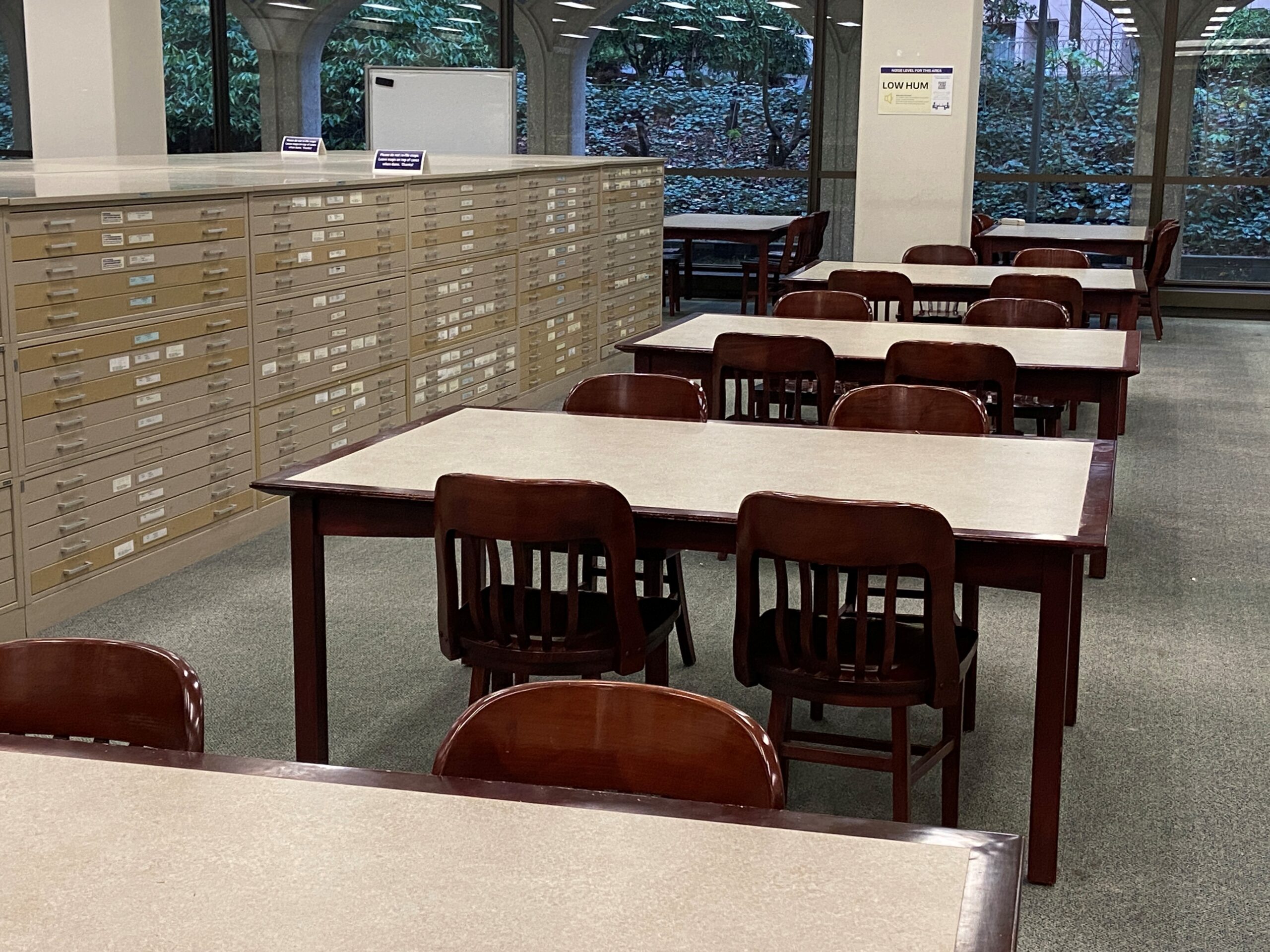
You can find individual study and group study throughout the ground floor of Suzzallo Library.
Viewing & Scanning Equipment
The viewing and scanning equipment listed below is available on the ground floor of the Suzzallo Library to assist patrons accessing our materials. Select the links for instructions on how to use the equipment and ask for help at the GMM help desk.
Patrons are encouraged to bring a flash drive for saving their scans. GMM staff can help you to print scans using Dawg Prints or find an alternative method for saving scans if needed.
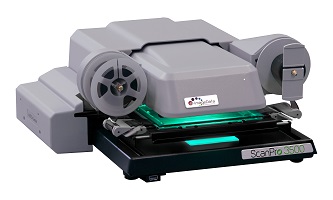
ScanPro Microform Scanners
Supported Formats: Microfilm, Microfiche, Microcards, Film Slides
Functions: Scanning, Viewing
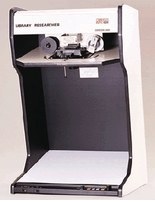
Gideon 1000 Microfilm Reader
Supported Formats: Microfilm only
Functions: Viewing
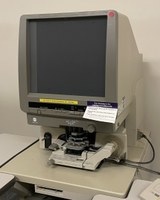
Minolta Roll Film Carrier 9B Microfilm Reader
Supported Formats: Microfilm, Microfiche
Functions: Viewing
Note: Variable lenses and microfiche carrier available by request at the GMM Help desk.
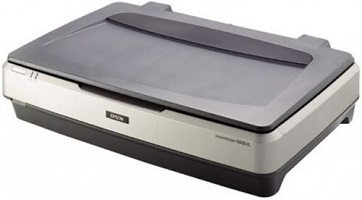
Epson Flatbed Scanner
Supported Formats: Maps, Aerial Photos, Books, Other Large Format Documents
*Priority for GMM Materials*
Functions: Scanning, OCR
Maximum Size: 12” x 17”Resolution: 50-12800 dpi
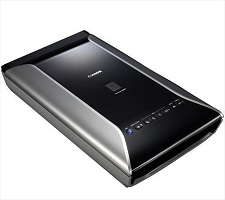
CanoScan 9000F Flatbed Scanner
Supported Formats: Microfilm, Microfiche, Microcards, Film Slides
Functions: Scanning, Viewing
UW NetID login required.
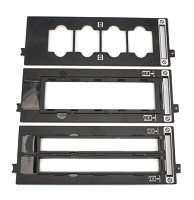
Slideholders
Supported Formats: 35mm film strips and mounted slides, 120 format films
Functions: Scanning aid compatible with CanoScan 9000F flatbed scanners (UW NetID login required)
Available by request at the GMM Help desk

Stereoscope
Supported Formats: Aerial Photos
Functions: Viewing
Available by request at the GMM Help desk.
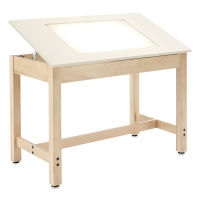
Maps Light Table
Supported Formats: Transparent (or Translucent) Maps and Aerial Photos
Functions: Viewing, tracing
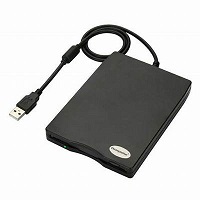
External Floppy Disk Drive
Supported Formats: 3.5 inch floppy disks
Functions: Scanning, Viewing (when connected to compatible device)
Data Capacity: 720KB / 1.44MB USB Interface
Available by request at the GMM Help Desk
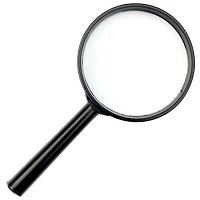
Magnifying Glasses
Functions: Viewing
Available by request at the GMM Help Desk
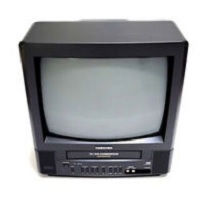
TV / VCR
Supported Formats: VHS
Functions: Viewing
Available by request at the GMM Help Desk
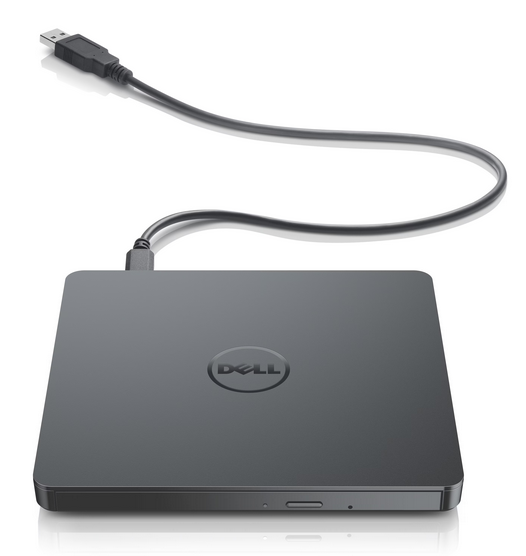
External DVD +/- RW Drive
Supported Formats: DVD±RW
Functions: Viewing, Scanning
Available by request at the GMM Help Desk
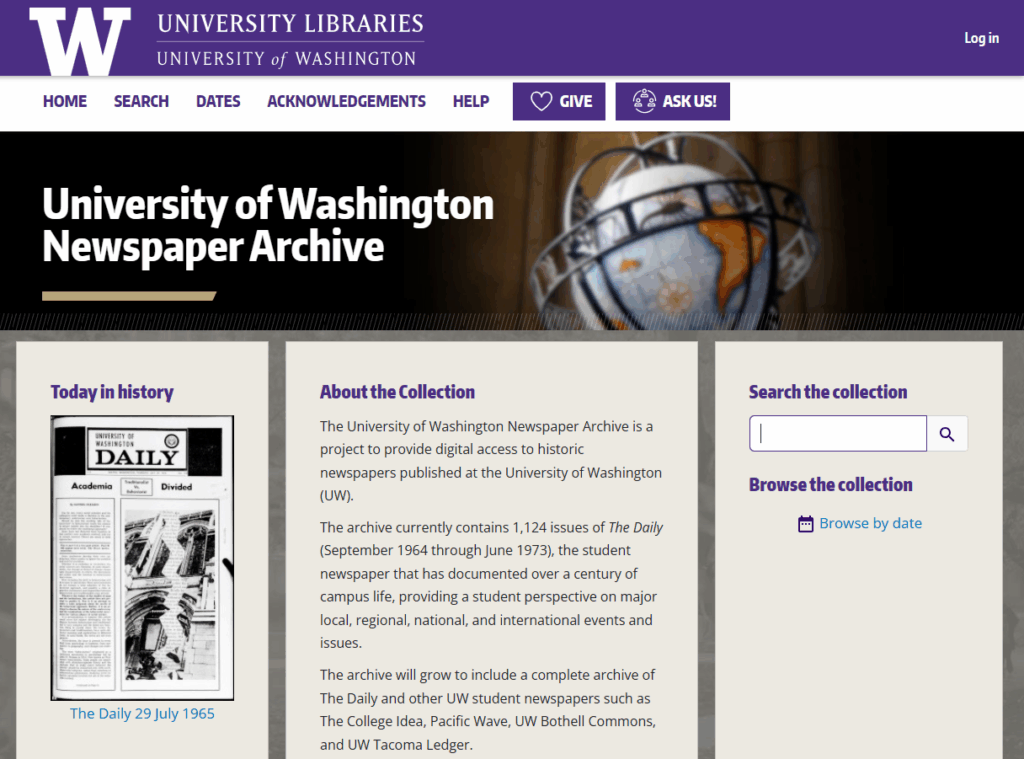
Digitizing UW Student Newspapers
GMMN and the UW Libraries Preservation Department are digitizing UW’s student newspapers for the University of Washington Newspaper Archive to make over a century of history, student voices, campus events, and milestones accessible to all.
Digital Exhibits

Decades of Documents: 135 Years of Federal Transparency at the UW Libraries
U.S. Senator Watson C. Squire designated the University of Washington as a federal depository library in May 1890. To commemorate the occasion, we highlight fourteen documents, one from each decade of FDLP status.
GIS Symposium Proceedings
Proceedings of each annual GIS Symposium document presentations by UW students, faculty, and staff.

Right to Read: Banned Books and the First Amendment
Digital exhibit exploring topics of banning trends, the role of libraries in a democratic society, the removal of books in educational settings, media adaptations, the top 10 most challenged and banned books, and court cases that have influenced the interpretation of the First Amendment’s application to literature.
Ask Us!
Get help from librarians by email, phone, 24/7 chat, or make an appointment with a subject expert