
Borrowing Technology & Other Equipment
UW Libraries has a variety of tech equipment available to borrow or use in the library including the following:
- Computer Accessories, Chargers, and Adapters
- Viewing and Scanning Equipment
- Wellness Equipment
- Assistive Equipment
- Calculators
Much of this equipment has been funded by the Student Technology Fee.

Ask Us!
Get help from librarians by email, phone, 24/7 chat, or make an appointment with a subject expert
Computer Accessories, Chargers, and Adapters
Most equipment is for use in the library only (unless otherwise noted). Request at the information desk.

Accessories
Computer mice, optical disk drives (Mac and Windows).
Location: Odegaard
In-library use only
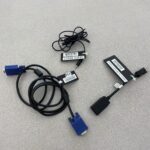
Cables and Splitters
Ethernet, audio and audiovisual cables, and cable splitters.
Location: Odegaard
In-library use only
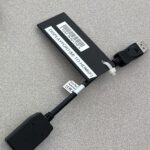
Adapters
Adapters and dongles.
Locations:
In-library use only:
Odegaard (see Find Adapters)
HDMI adapters – 3 day checkout:
Built Environments
Engineering
Foster Business
Tateuchi East Asia
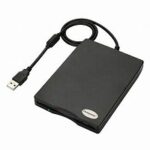
External Floppy Disk Drive
For 3.5 inch floppy disks.
Location: Government Publications, Maps, Microforms & Newspapers (GMMN)
In-library use only
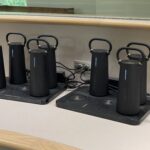
Portable Power Banks
Locations:
Odegaard
Engineering
Tateuchi East Asia
In-library use only
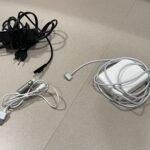
Phone and Laptop Chargers
For PCs, Macs, and smartphones.
Locations:
In-library use only:
Research Commons (Allen South)
Odegaard
3 day checkout:
Engineering
Foster Business
Tateuchi East Asia
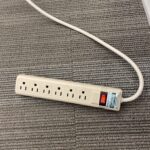
Viewing and Scanning Equipment
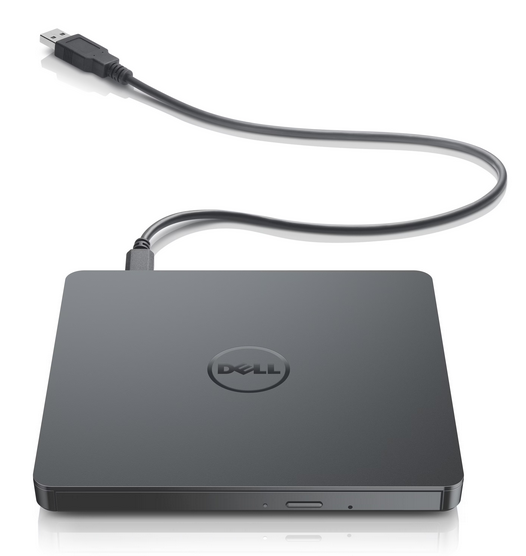
DVD/Blu-Ray Players
Requires a display monitor.
Location: Odegaard
In-library use only
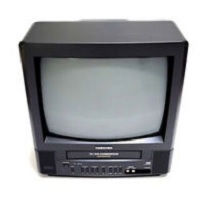
VHS Player
All-in-one VHS player.
Locations:
Government Publications, Maps, Microforms & Newspapers (GMMN)
Odegaard
In-library use only
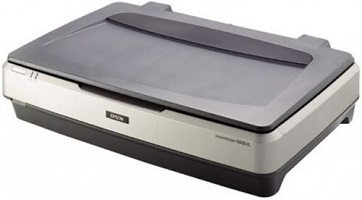
Flatbed Scanners
Up to 12×17 scanners.
Location: Government Publications, Maps, Microforms & Newspapers (GMMN)
In-library use only
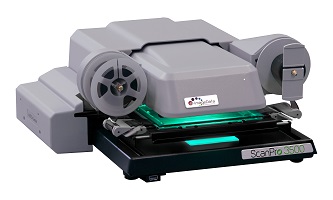
Microfilm, Microfiche, Microcards, and Film Slides Viewers and Scanners
Flat and roll film.
Location: Government Publications, Maps, Microforms & Newspapers (GMMN)
In-library use only
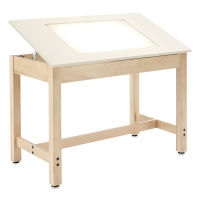
Maps and Aerial Photos Viewers
Light table and stereoscope.
Location: Government Publications, Maps, Microforms & Newspapers (GMMN)
In-library use only
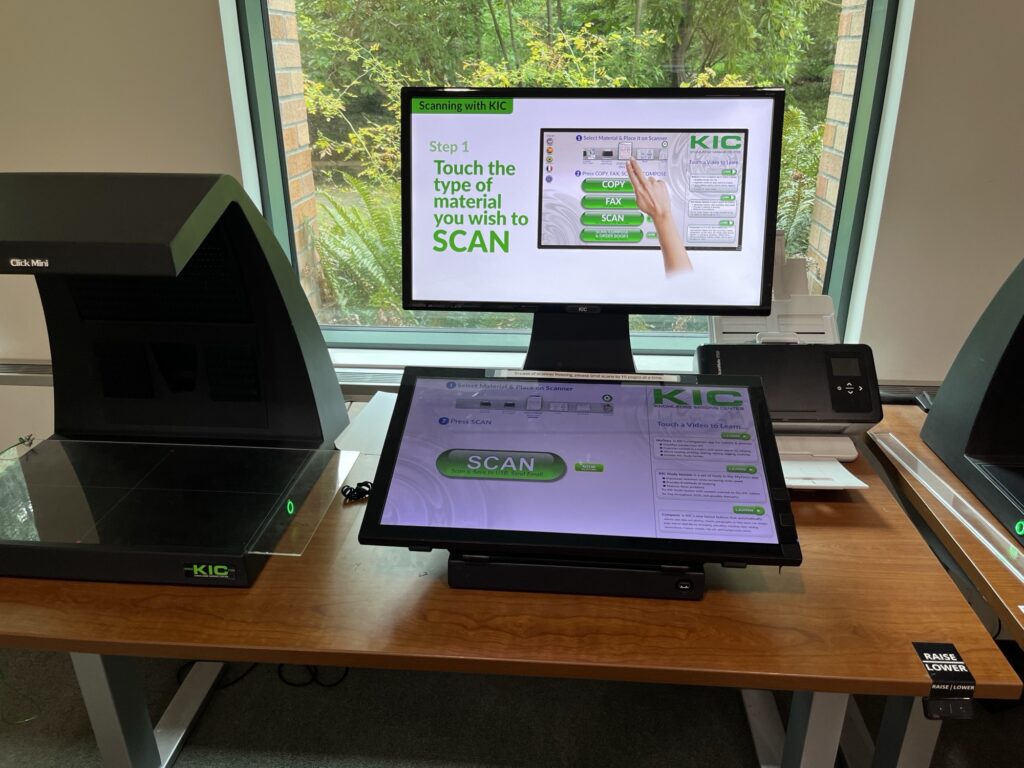
KIC Overhead Scanners
Overhead scanners are available at all library locations for drop-in use. No reservations or checkout required.
Wellness Equipment
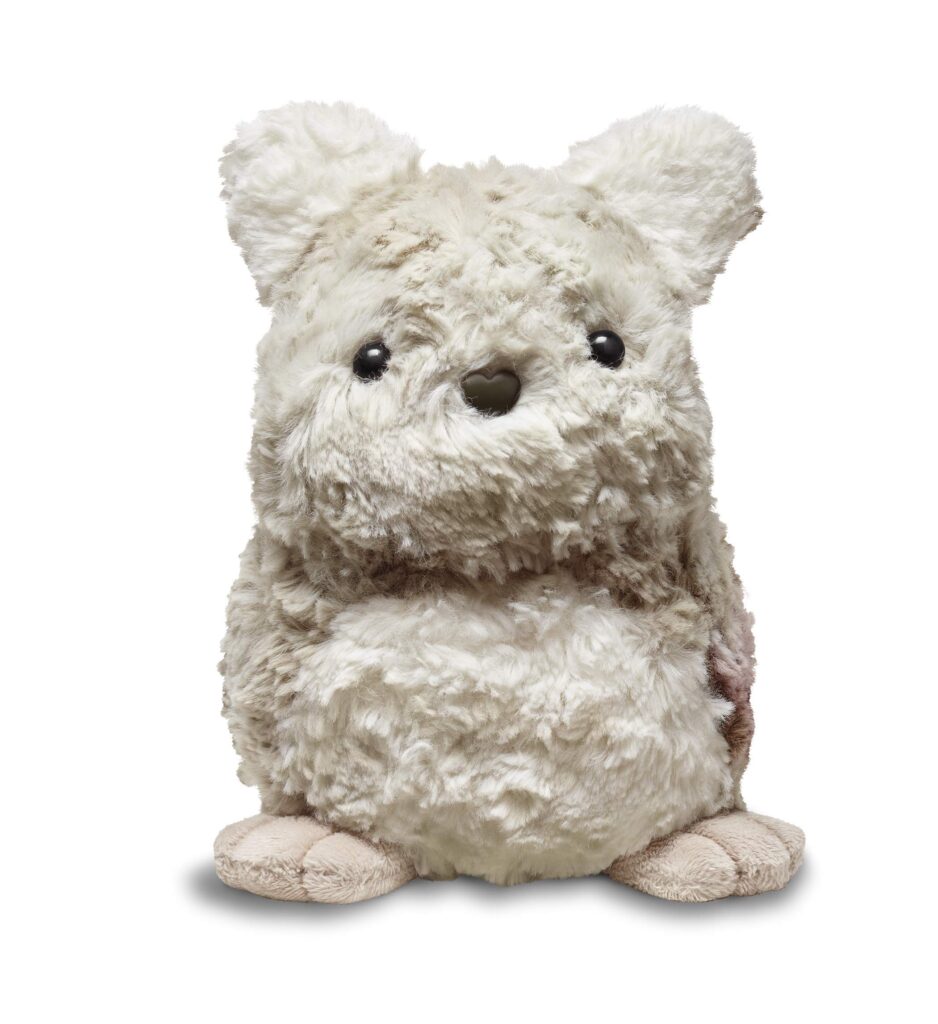
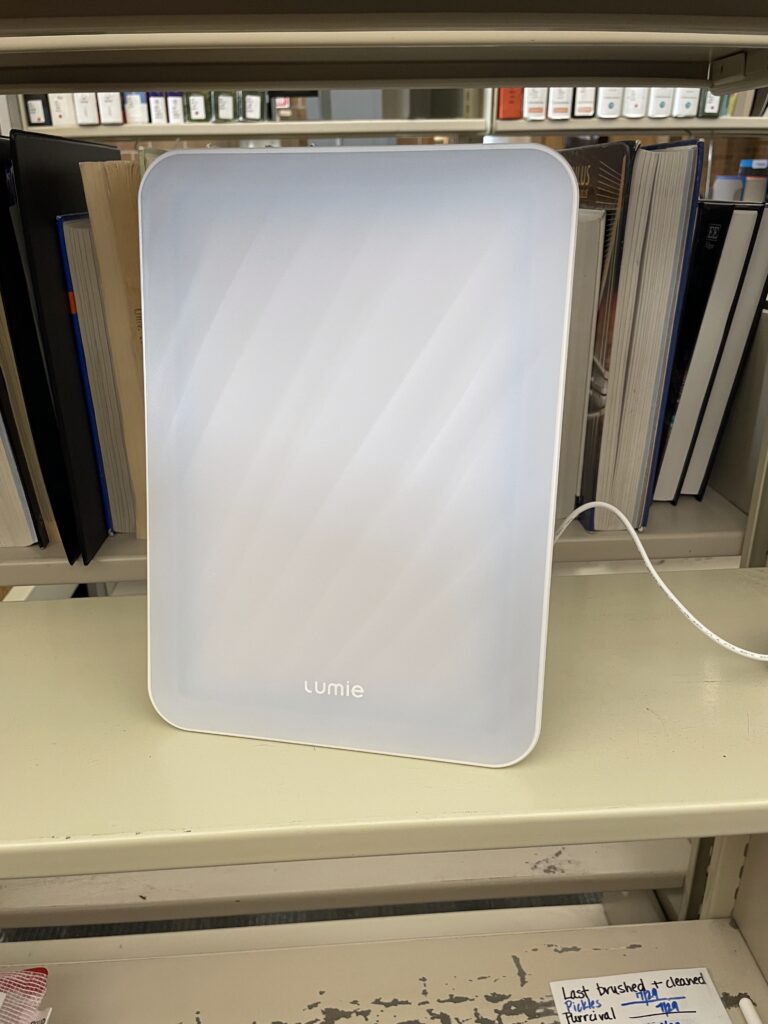
Odegaard Wellness Equipment
Light therapy lamps, white noise machines, visual timers, cell phone lock boxes, and robotic companion cats and mental activity kits.
Location: Odegaard
In-library use only
Assistive Equipment
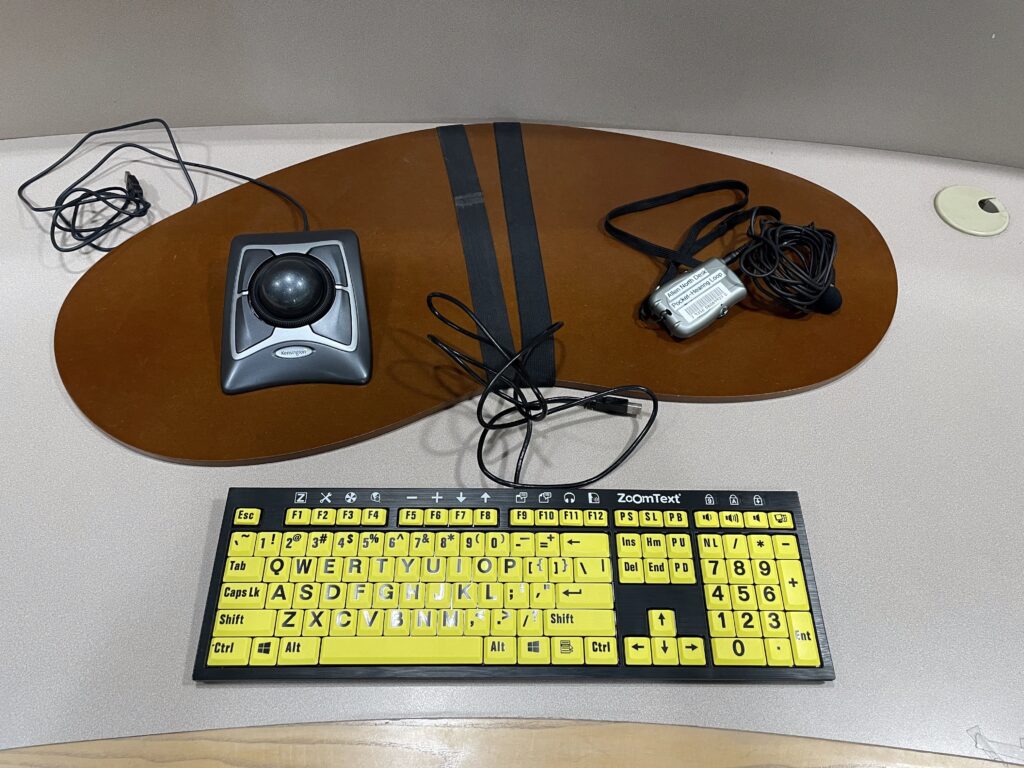
Accessibility Kits
Lapboard, trackball mouse, large type high-contrast keyboard, hearing loop. Magnifier bars and ear plugs do not require checkout.
Location: All library locations
In-library use only

Magnifying Glasses
Location: Government Publications, Maps, Microforms & Newspapers (GMMN)
In-library use only
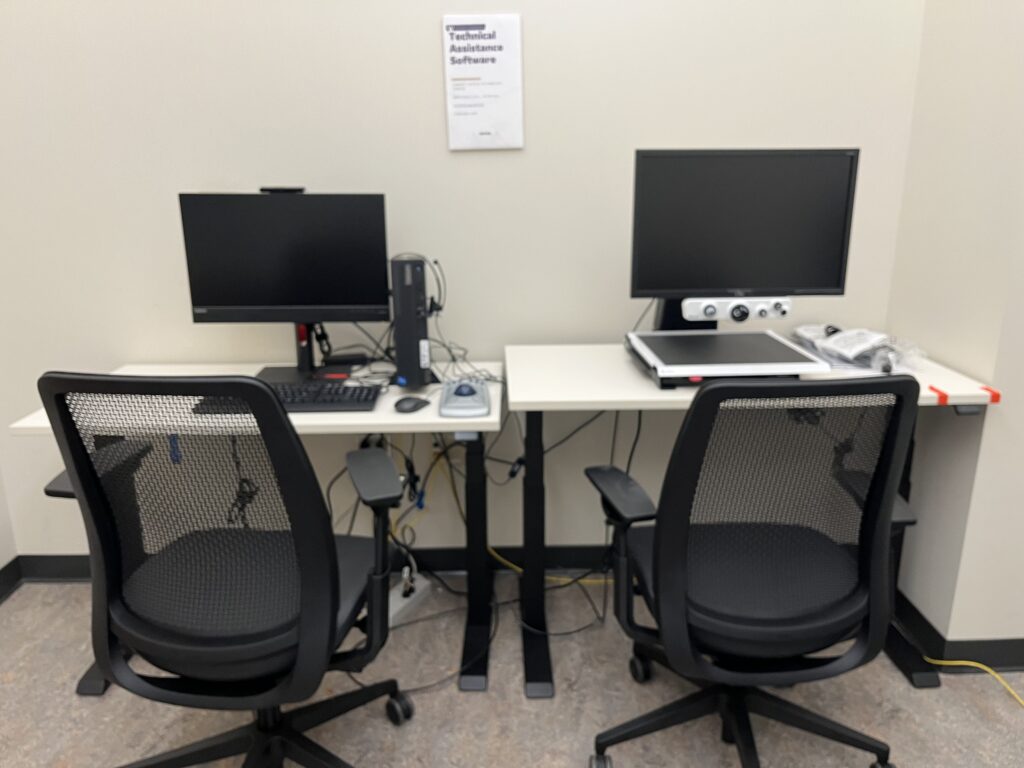
Electronic Magnifier / Accessible Workstations
Locations:
Foster Business – electronic magnifier station
Suzzallo – 2 workstations with many assistive tech tools in reservable accessible study room 327
In-library use only
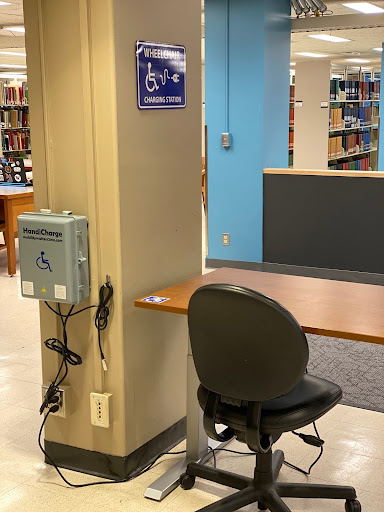
Wheelchair Chargers
Adjustable height desks have been placed at each charging station to allow students to charge their wheelchairs while studying
Locations:
Odegaard – second floor, around the back corner
Foster Business – main level in the presentation area
Research Commons (Allen South) – at the pillar near the restrooms
Suzzallo – first floor, at the pillar in front of the Open Scholarship Commons, near the elevator.
In-library use only
Calculators
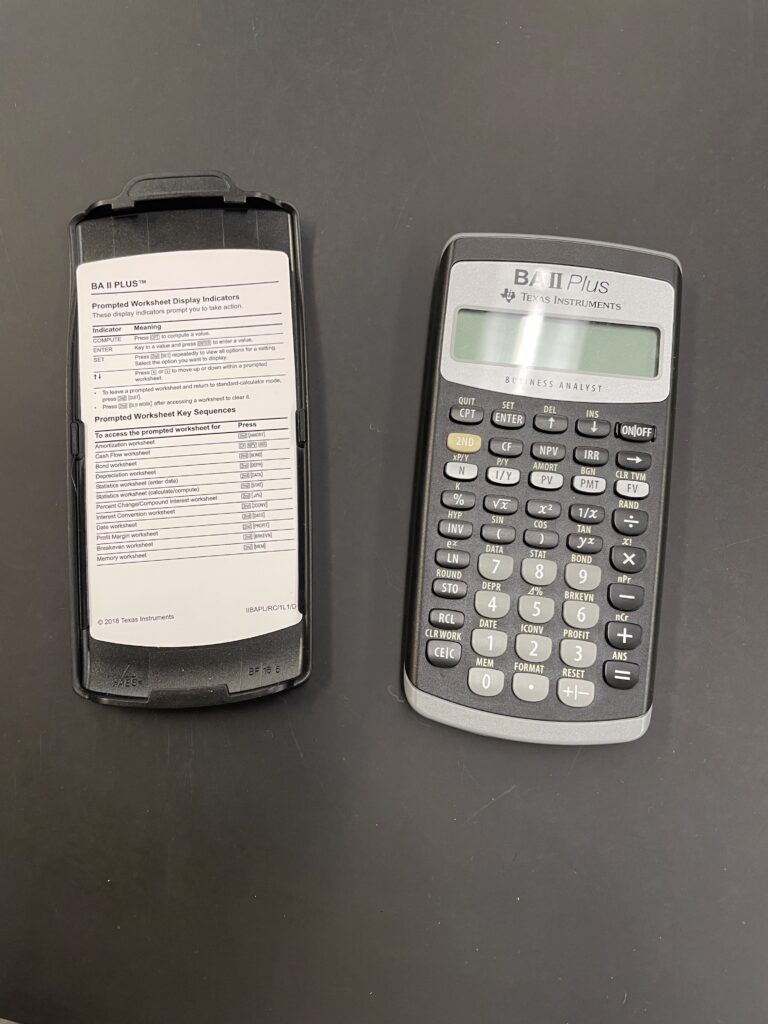
Financial Calculators
Texas Instruments BA II Plus financial calculators
Location: Foster Business
3 day checkout
Scientific Calculators
TI-30 scientific calculators
Location: Research Commons (Allen South)
In-library use only
More Equipment Available from the Student Technology Loan Program (STLP)
Borrow laptops, cameras, audio equipment and more. Visit any of the four STLP locations including the Odegaard Undergraduate Library (next to the Information Desk on the second floor).